
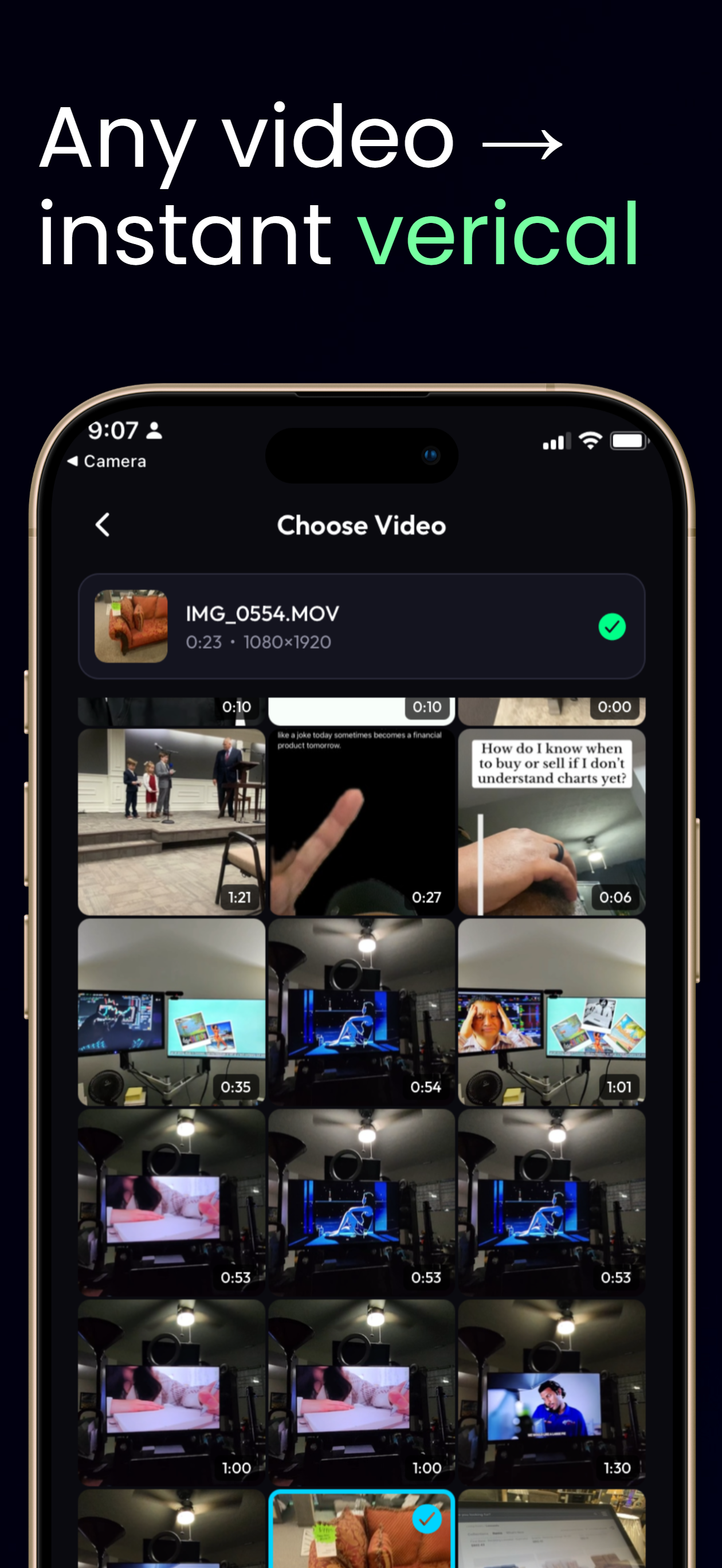
Video: the live context
A video background plays while you react, and you can pause it to keep talking. Video backgrounds are available to every ClipDuet user.
Photo: a fixed reference
A photo is useful for reacting to a post, a frame, or an image where you want the background to stay still. Photo backgrounds are a ClipDuet Pro feature.
Choose from the story
Use video for a sequence, timing, or reveal. Use a photo when the spoken reaction is the motion. Both formats use the same vertical facecam workflow.
A plan decision, not just a media decision
Video is the right choice when timing, motion, or a reveal is part of what you are discussing; it also enables Pause while you keep talking. Photo is the right choice for a still post, screenshot, or visual reference. Photo backgrounds require Pro, while video backgrounds are available on Free and Pro. Neither choice promises support for every source file or a substitute for a multi-source edit.
Frequently asked questions
Are video backgrounds available on Free?
Yes. Video backgrounds are available to all users.
Do I need Pro to react over a photo?
Yes. Photo backgrounds require ClipDuet Pro.
Can Free users react over a photo?
No. Photo backgrounds require Pro. Free users can still use video backgrounds.
Can I pause a photo background?
A photo is already still, so the source-pause control is relevant to video backgrounds. Your facecam recording continues normally over a photo.
Which background is better for commentary?
Choose a photo when the visual reference should stay fixed; choose video when the timing of the original clip is part of your commentary.